Offering Vipps MobilePay in the Nordics
Apply for services to join as a Vipps MobilePay merchant.
Market overview
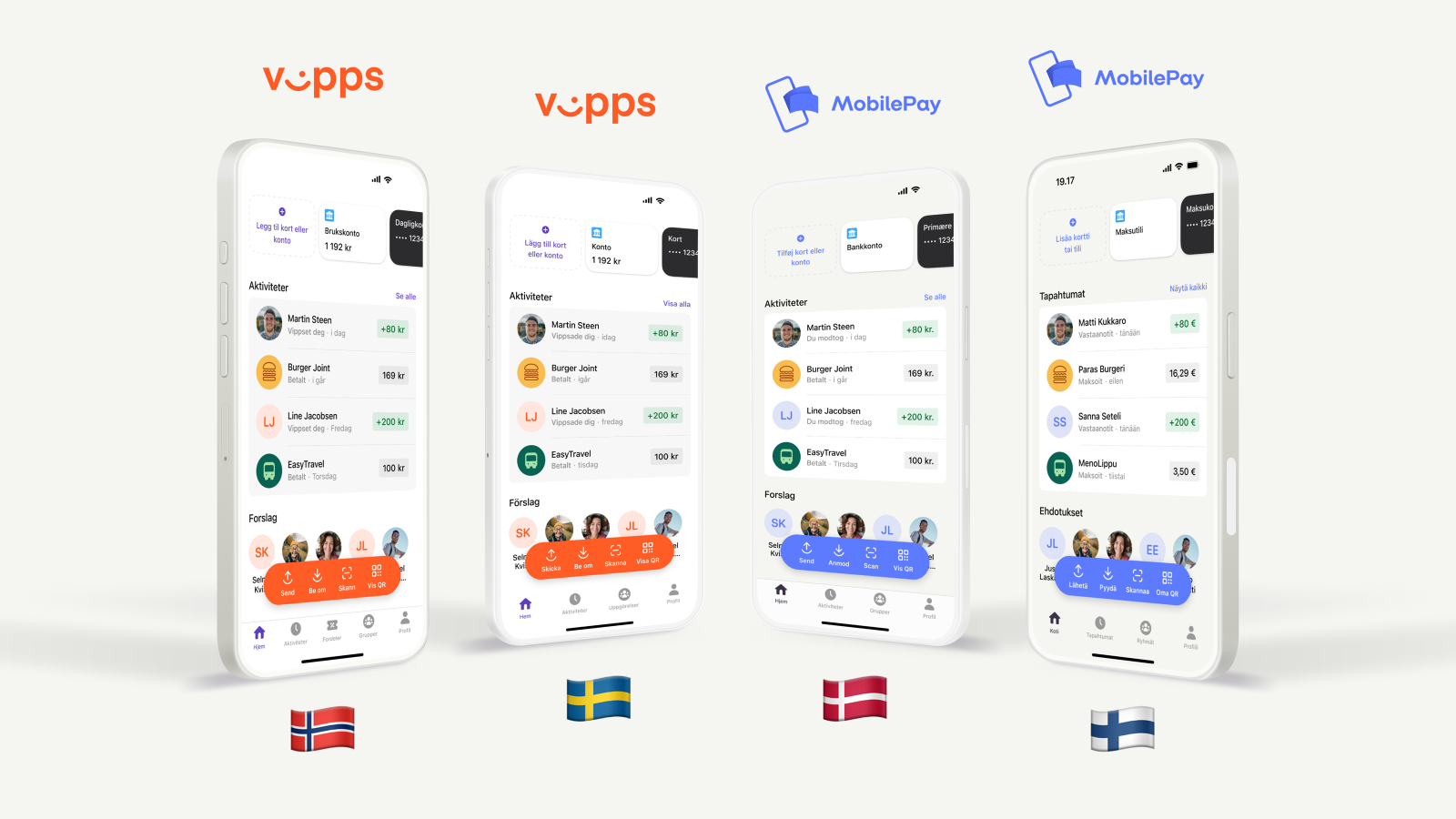
Vipps MobilePay operates across Denmark, Finland, Norway, and Sweden:
- Norwegian and Swedish users use the Vipps app
- Danish and Finnish users use the MobilePay app


Cross-border payments
All users can pay to any Nordic merchant regardless of which app they use. For example:
- A Norwegian user with Vipps can pay a Danish merchant
- A Finnish user with MobilePay can pay a Norwegian merchant
This ensures seamless payment experiences across the Nordic region for both merchants and customers.
Considerations
Payment options
When supporting multiple markets, you can display both Vipps and MobilePay buttons in your checkout to show customers that both apps are supported.
Best practices:
- Present each brand as a separate selection
- Place the local brand name first based on your target market:
- In Denmark and Finland: Show MobilePay first
- In Norway and Sweden: Show Vipps first
- Follow the brand guidelines for proper button styling and placement
By offering both payment options, customers using either Vipps or MobilePay will be able to complete purchases on your website.
Currency requirements
The currency used must match the country where your sales unit is registered. This ensures compliance with local regulations and smooth payment processing.
| Sales unit country | Required currency |
|---|---|
| Denmark | DKK (Danish Krone) |
| Finland | EUR (Euro) |
| Norway | NOK (Norwegian Krone) |
 Denmark
 Finland
 Norway
Note that Swedish users purchasing from a Norwegian merchant will pay in NOK.
There are shorter payment time limits in Denmark and Finland, and other regulations may be different. For more details, see:
Shipping support for Express and Express Checkout
For Express and Express Checkout, the shipping address must be within the same country where your merchant sales unit is registered.
Example: A sales unit registered in Denmark can only ship to Danish addresses.
Technical implementation
Recommended APIs
Use the latest Vipps MobilePay APIs for optimal performance across all Nordic markets.
Cross-border support: Nordic users can make payments to merchants using ePayment and Recurring APIs. The Login API also works across all Nordic markets.
If you're using legacy APIs:
- Vipps merchants: Migrate from eCom API to ePayment API
App behavior
With cross-border payments, a Norwegian or Swedish Vipps user can pay to a Finnish or Danish MobilePay merchant using the Vipps app — and vice versa, a Danish or Finnish MobilePay user can pay a Norwegian Vipps merchant using the MobilePay app. The same applies to login flows.
During the payment flow, our redirect setup automatically handles the app behavior and opens the correct app for the user. Both universal links and deep links can trigger either the Vipps or MobilePay app. No additional logic is required on the merchant side to support this. Recommended solution: Use universal links to improve reliability and user experience.
Important: Do not attempt to detect whether the Vipps or MobilePay app is installed. Doing so can block users of the other app. For example, if a Norwegian merchant checks for the Vipps app, Danish and Finnish MobilePay users will be unable to complete their payment.
Landing page branding
The landing page branding will automatically reflect your sales unit's country, not the user's country.
Payments
For payments (ePayment and Recurring), the landing page branding is determined by the country where your sales unit/merchant is registered.
This means a Finnish user paying a Norwegian merchant will see Vipps branding (Norway's app), even though they'll complete the payment using their MobilePay app.
Login
For Login, you have more flexibility. While the landing page will display Vipps or MobilePay based on your sales unit's country by default, you can override this behavior using the market query parameter in your initial login request:
market=NOormarket=SE: Landing page displays Vipps branding (logo, colors, etc.)market=DKormarket=FI: Landing page displays MobilePay branding (logo, colors, etc.)
See the Login API guide for details.
Pass-through payments
Cross-border pass-through payments to merchants have the following limitations:
- MobilePay Online: Supports cross-border payments between Denmark and Finland
- Vipps PSP: Available for Norwegian merchants
- Swedish users can pay to Norwegian merchants through Vipps PSP
- Card acceptance depends on PSP configuration (most cards work, but 3DS authentication may fail for some Swedish users)
eCom API
Norwegian merchants only: The eCom API is exclusively available for Norwegian merchants. See eCom API limitations for details about international use restrictions.