Buttons and widgets
Add Vipps MobilePay to your website without designing the buttons yourself. These JavaScript libraries show the approved buttons and badges, and they keep up with brand changes for you, such as the new MobilePay logo on January 12, 2027.
They work on websites and in apps that use a WebView.
Which one do you need?
Widget SDK
Show a payment button that also starts the payment. It opens the app on a phone or tablet, and a payment dialog on a computer.
Best for: Checkouts and subscription sign-ups with the ePayment API or the Recurring API.
Use the Widget SDKButton generator
Show an approved button for paying, logging in, and more. You start the flow yourself when the customer selects it.
Best for: Login, and flows where your own code sends the customer on.
Use the Button generatorBadge generator
Show a badge that tells customers you accept Vipps MobilePay. A badge is not a button, so it doesn't start anything.
Best for: Product pages, the shopping cart, and the footer.
Use the Badge generatorFor payments and agreements, start with the Widget SDK. It shows the approved button and takes the customer to the payment for you, so you don't build the app switch or the dialog.
Where to put the button
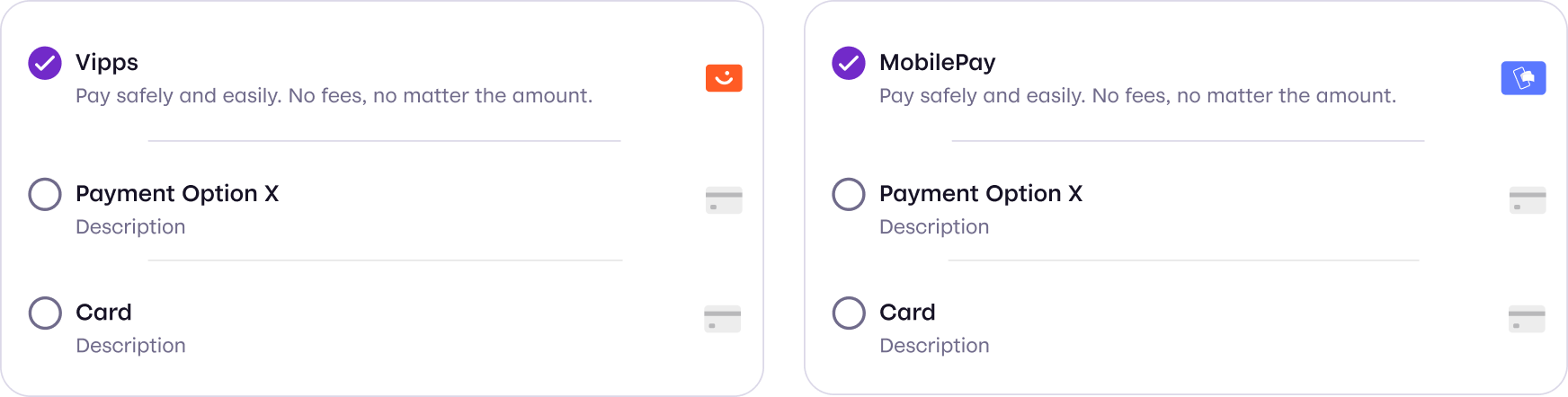
In an online checkout, show Vipps MobilePay as visibly as your other payment methods, without extra steps or secondary menus. See Brand guidelines for the full requirements.
Building a native app?
The libraries need a web page or a WebView. In a native app, use the static buttons and logos from the brand book.