How the Check-in API works
To get an impression of how the check-in functionality looks and feels, check out the member flow in the demo shop.
Step 1: Scan the QR code
The flow begins with the customer presenting their personal Vipps QR code to the merchant. This can happen two ways:
- Customer-facing scanner. The store will have a permanent customer-facing scanner, and customers can scan their QR code at any time.
- The QR code is scanned by the cashier using a wired scanner. This could happen while the cashier is scanning wares or right before the payment.
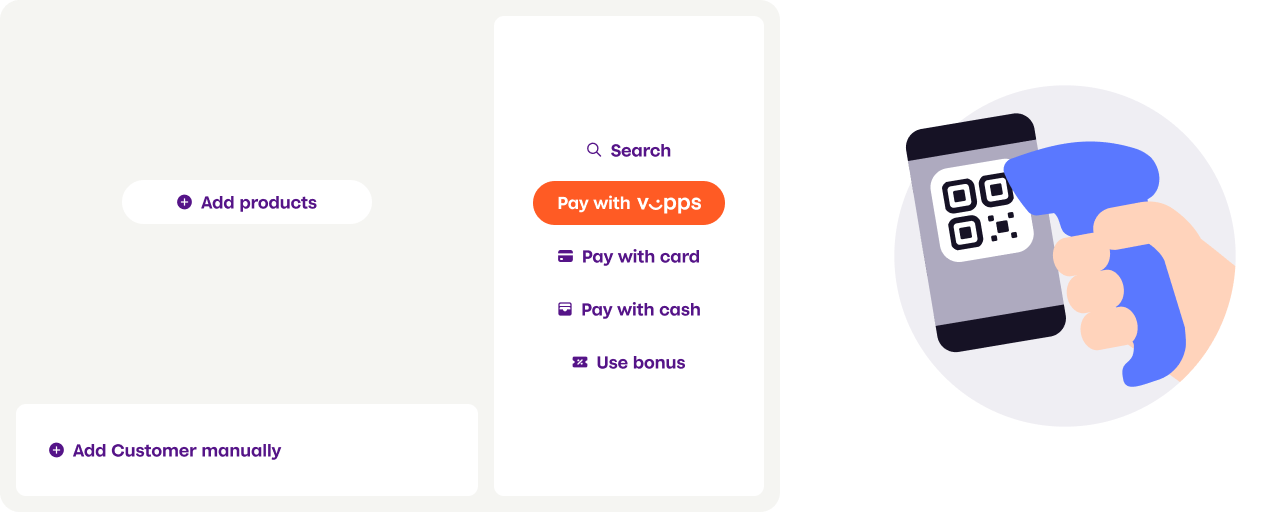
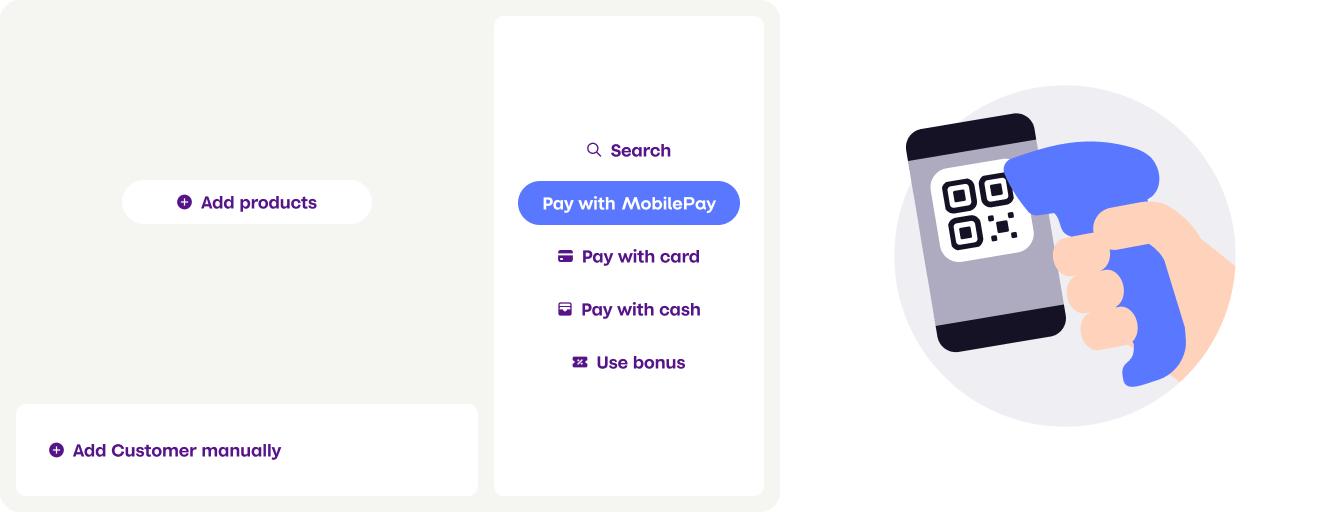
Screenshot: Hand-held scanner scanning a personal QR code (Vipps or MobilePay) with a pay option displayed in a POS terminal.
Exchange the customer's personal QR code for their phone number by using the personal QR exchange endpoint.
Step 2: Check membership
The customer's membership status is checked by using the mobile number received in the last step.
A Check-in API request is triggered to inform the customer whether or not they are a member of your loyalty program. This will help them through the payment process.
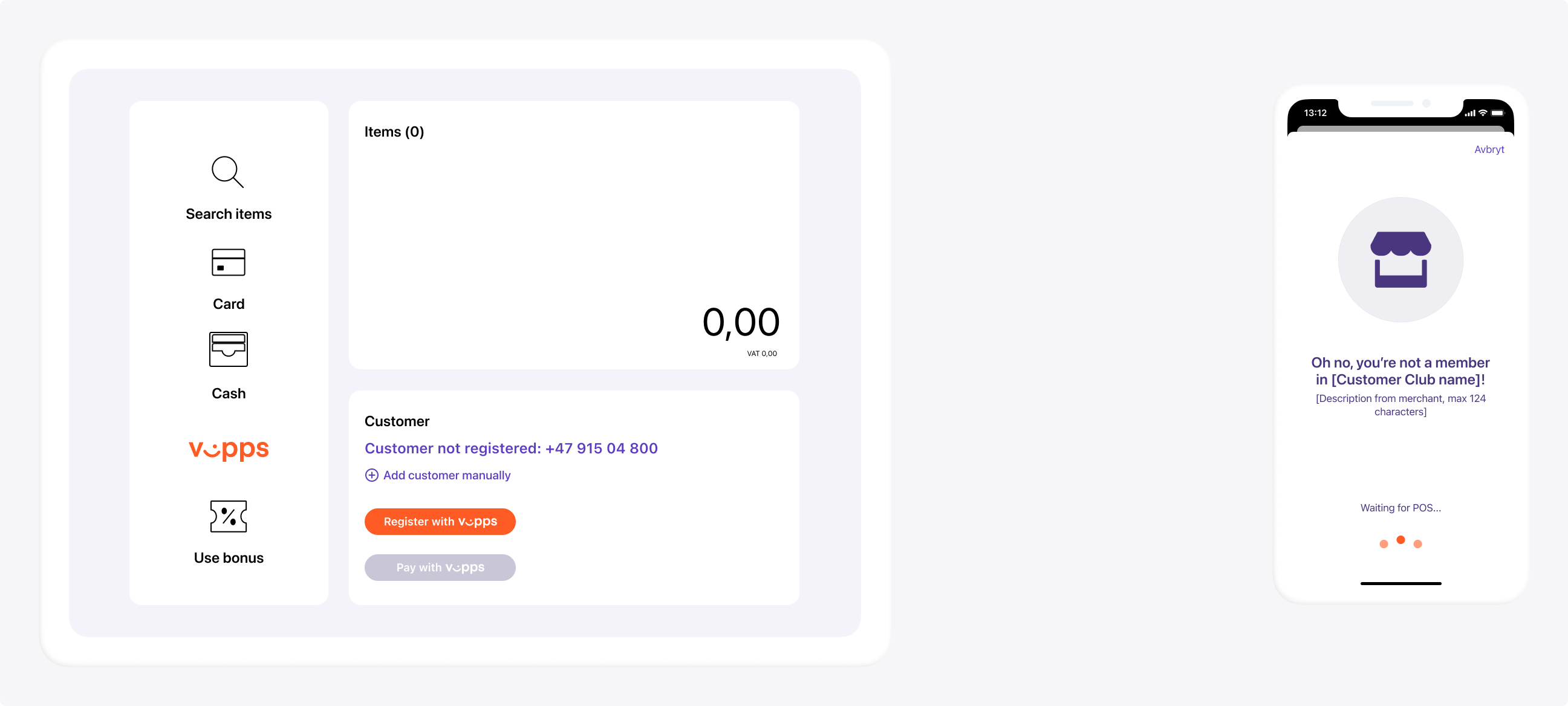
Screenshot: Side-by-side view of a POS terminal (left) with a "Customer not registered" status and a "Register with Vipps" button, and a mobile phone screen (right) showing a non-member notification with a "Waiting for POS..." loading indicator.